
Best Design Tools products (22+)
Discover 22+ best design tools products. Compare features, pricing, and reviews. Free and paid options available.

StackLedge
StackLedge is a human-reviewed directory of AI, SaaS, automation, and n8n tools for finding software that works together.

Dola AI
Dola AI brings AI image, video, and 3D creation into a web studio with editing tools and visible credit costs.
ArtCraft
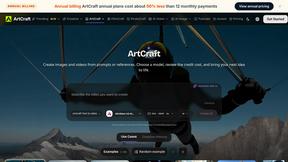
ArtCraft brings image, video and 3D creation into a web studio, with reference organization and credit-using AI tools.
CloneWebsite
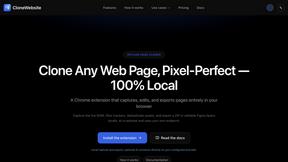
CloneWebsite is a Chrome extension that captures pages locally, with offline editing and exports for ZIP projects or Figma.
AppIconGenerator
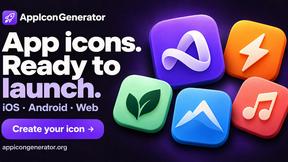
Generate platform-ready iOS and Android app icon assets from an image, with browser-based resizing and optional credit-based AI logo creation.
AI OG Image Generator
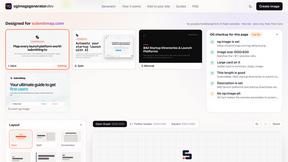
Create branded Open Graph images from a URL with AI, then edit, download, or use a hosted image link for your website.
Screen Issues
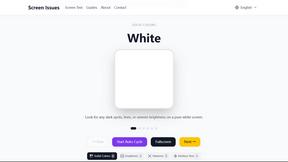
Screen Issues offers a free online screen test and practical guides for diagnosing display defects on mobile devices and computers.

Capafy AI
Capafy AI is a marketplace for discovering and running expert agent skills online or through supported agent clients.
ArtPatt
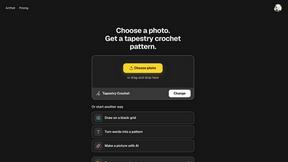
Turn a photo into a printable pattern for 16 crafts, with craft-specific charts, color palettes and material estimates for makers.
ImageToSTL
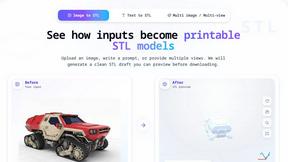
Create an STL draft from a JPG, PNG, JPEG, or WEBP image, then inspect the model in a browser preview.
ChatIt.me
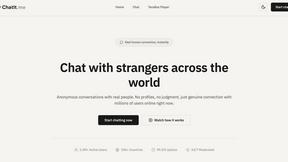
ChatIt.me is a free, no-registration random text chat for meeting strangers across regions in a web browser.
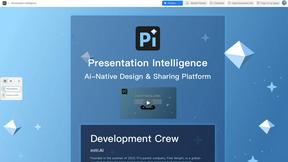
Pi
Pi turns ideas and source material into editable presentations with AI-generated outlines, slide layouts, and controls for refining deck design.
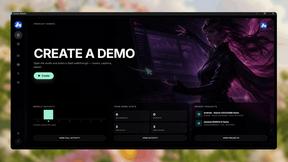
Screen Beaver
Screen Beaver creates polished Windows product demos with screen and Android capture, automatic effects, and optional MCP powered walkthroughs.
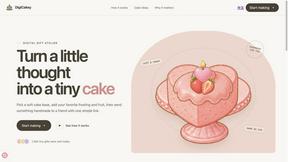
DigiCakey
DigiCakey lets you make interactive cakes, cards and bouquets with a personal note, then share each browser-based gift through a link.
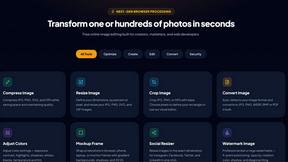
BeartIMAGE
BeartIMAGE is a free online image studio with batch editing, social-size presets, and on-device processing for private photo workflows.
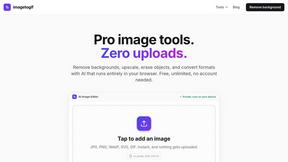
imagetogif
Convert, resize and edit images or GIFs using in-browser tools designed to keep files on your device during processing.
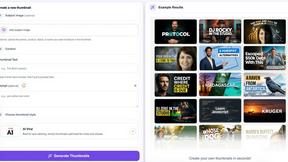
StopScroll
StopScroll helps YouTube creators compare AI-generated thumbnail options based on a public video, title, or prompt before choosing a cover.
HubVanta AI
HubVanta AI groups image, video, design, and audio tools in one workspace, with credit based access for many creative workflows.

Inkfox AI
Inkfox AI is a web-based image and video generator with prompt controls, reference-image workflows, and credit plans for creators and small teams.
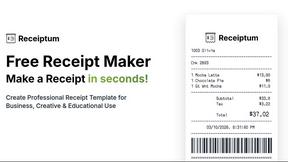
Receiptum
Receiptum is a free online receipt builder with 600+ editable templates, logo and layout customization, and PNG export or direct printing.
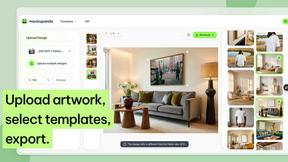
Mockupanda
Mockupanda is a bulk mockup maker for print sellers, with a live editor that matches artwork to frame ratios and photographic perspective.
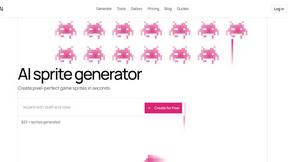
Sprite AI
Sprite AI creates pixel art sprites and animations from prompts, with a browser editor for touch-ups and exports for popular game engines.
Popular Alternatives in Design Tools
About Design Tools products
Design Tools help creative professionals and teams create visual content, user interfaces, brand assets, and digital experiences. This category includes graphic design platforms, UI/UX design tools, prototyping software, icon and illustration libraries, color palette generators, and collaborative design systems that streamline creative workflows.
Whether you are designing a website mockup, creating marketing materials, building a design system, or prototyping a mobile app, these tools provide the creative capabilities needed to produce professional visual work efficiently.
Compare design tools by their design capabilities, collaboration features, asset libraries, export options, and pricing to find the right creative software for your projects and team.
FAQs for Design Tools
What types of design tools are included?
This category includes graphic design platforms, UI/UX design tools, prototyping and wireframing software, illustration tools, icon libraries, color palette generators, font managers, mockup generators, and collaborative design system builders.
Do I need design experience to use these tools?
Many design tools offer templates, drag-and-drop interfaces, and AI-assisted features that make professional design accessible to beginners. More advanced tools provide precision controls and features designed for experienced designers.
Which design tools support team collaboration?
Many modern design tools offer real-time co-editing, shared libraries, design system management, version history, commenting, and handoff features that make collaborative design seamless for distributed teams.
Can I use design tools for both web and print?
Yes. Many design tools support both digital and print output formats with proper color profile management, resolution settings, and bleed area controls. Check individual listings for specific output format support.
Are there free design tools available?
Yes. Several design tools offer generous free tiers with core features, templates, and export options. Free plans are usually sufficient for individual use, while team features and advanced capabilities require paid plans.
How do design tools handle brand consistency?
Many tools include brand kit features that store your logos, fonts, colors, and templates in a shared library. This ensures everyone on the team uses approved brand assets and maintains visual consistency across all materials.