

Alternatives to happy oyster
Happy Oyster AI enables real-time interactive world creation, allowing users to design, wander, and direct immersive storytelling experiences.
Explore 20 alternatives to happy oyster. Compare features, pricing, and find the best fit for your needs.
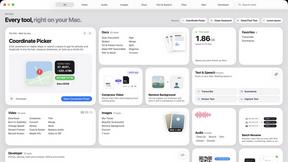
Toolbox
96 private Mac tools in one app: compress video, sign PDFs, remove backgrounds, transcribe. Offline, no account, pay once.
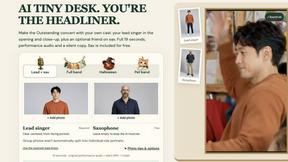
AI Tiny Desk
Make a 19-second desk-concert video with lead and sax, full band, Halloween or pet-band modes; audio and silent MP4.
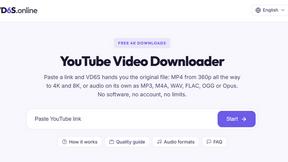
VD6S
VD6S is a free online YouTube video downloader that supports HD, 4K and up to 8K downloads. Save videos in MP4 or audio in multiple formats.
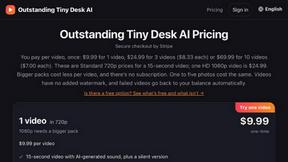
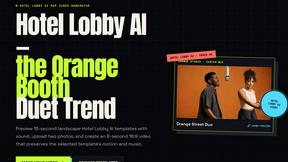
Outstanding Tiny Desk AI
Upload photos of you and up to 4 friends and get a 15-second Outstanding Tiny Desk AI video with AI-generated sound, in 9:16 for TikTok and Reels.

Tip Toeing in My Jordans
Upload a photo and get a 12-second Tip Toeing in My Jordans video: you play the AI Rumpelstiltskin, a friend can play the woman in the hay.
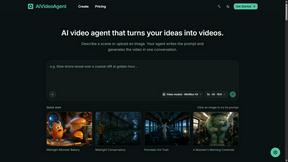

Dola AI
Freemium AI creative studio: generate images and videos, edit photos and films, compose 3D scenes, and work with docs, sheets, slides and PDFs.
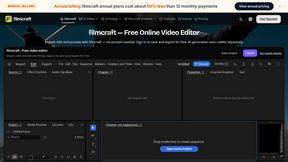
filmcraft
Free online video editor in your browser: import, color, audio and preview with no account. Optional AI tools use credits.
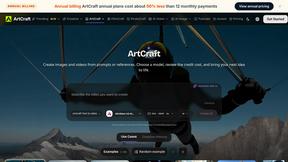
ArtCraft
Browser creative studio for images, video and 3D: compose, edit, stage scenes and organize references. AI generation uses credits.
GenX
All-in-one AI workspace to generate images, videos, and audio with multiple leading AI models.
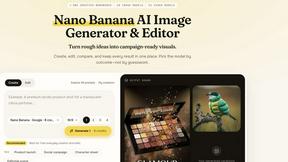
Nano AI
Create and edit AI images, generate videos, and compare models in one creative workbench.
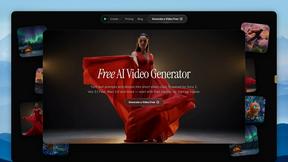
FreeVideoGenerator
Free AI video generator: turn text prompts and photos into video clips with Sora 2, Veo 3.1, Wan and more. Free starter credits, no watermark download
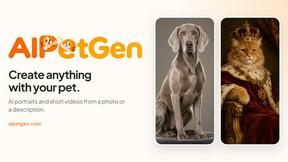
AIPetGen
AIPetGen turns a photo of your dog, cat, or other pet, or a written description, into a new picture or a short animation.
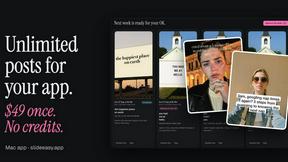
Slide-Easy
A Mac app that turns your App Store link into a week of Instagram Reels and carousels, written from your real reviews.
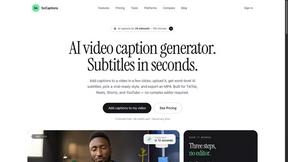
SoCaptions
AI video caption generator with word-level timing and burned-in MP4 for TikTok, Reels and Shorts.

About happy oyster Alternatives
Happy Oyster is an innovative AI video platform designed for creators who seek to take control of their video production process. By offering two distinct modes—Director Mode and Wander Mode—it allows users to produce high-quality, interactive AI-generated videos with intentionality rather than randomness. The platform is particularly beneficial for marketers, e-commerce businesses, content creators, and artists, enabling them to transform ideas into visual narratives with structured inputs and real-time adjustments. Users often seek alternatives to Happy Oyster for various reasons, including pricing, specific feature requirements, or compatibility with their existing workflows. When considering alternatives, it’s essential to evaluate factors such as ease of use, the range of customization options available, the quality of output, and whether the platform meets the unique needs of your creative project. Additionally, it's crucial to consider the level of support and resources offered, ensuring that the chosen solution aligns with your production goals and budget constraints.
FAQs about happy oyster Alternatives
What is happy oyster?
Happy Oyster is an independent AI video platform that enables creators to produce interactive videos with a focus on intentional direction. It offers two modes: Director Mode for structured video creation and Wander Mode for exploring AI-generated 3D environments. This flexibility allows users to tailor their video projects according to their specific needs.
Who is happy oyster for?
Happy Oyster is designed for a diverse range of users including marketers, e-commerce businesses, content creators, and artists. It serves those looking to quickly turn ideas into video drafts, animate product photos, prototype content, and test visual tones before production. Its features cater to anyone who values control and precision in their video creation process.
Is happy oyster free?
Yes, Happy Oyster offers a free starting option that includes 100 credits upon sign-up, with no credit card required. This allows users to explore the platform and its capabilities before committing to any paid plans. This introductory offer is designed to give potential users a taste of the platform's functionality.
What are the main features of happy oyster?
Happy Oyster boasts several key features including Director Mode for purposeful video creation, Wander Mode for immersive exploration, and the ability to upload reference images for consistent style. Users can export videos in various lengths and aspect ratios, allowing for flexibility in content creation. Additionally, the platform provides real-time previews for iterative adjustments and transparent credits for commercial usage.